
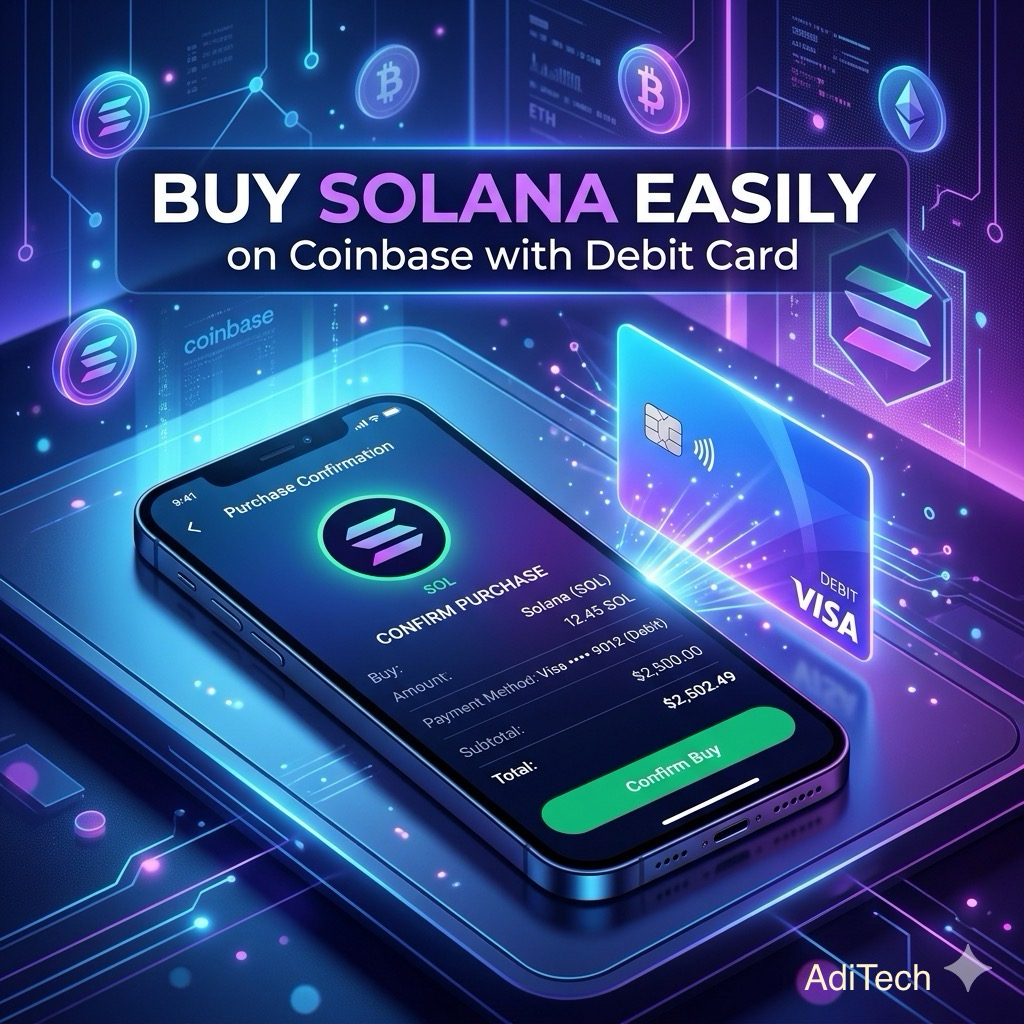
There are moments when you don’t want to overthink things. You just want to act. Maybe you’ve seen people talk about Solana and you’re curious. Or maybe you’re a creator or business owner looking for a simple way to put your money to work on the digital space without getting lost. Buying crypto isn’t that complicated.
If you have a bank card, you’re already a step ahead. This guide shows you exactly what to do, one step at a time, using your card on Coinbase.
The Challenges That Stop Us
Before that first step, everything feels heavy. There are too many options, talk of “P2P” risks, and fear of bank delays.
Some users feel they need a degree in finance just to get started. Even for those who are tech-savvy, a few questions always come to the back of the mind:
“What if i click the wrong thing?”
“What if my money gets stuck?”
That fear is normal. But when you use a platform like Coinbase, the process is guided. You’re not wandering in the dark.
Simplifying The Process
Sometimes you don’t want to wait days for a bank transfer to clear. You just want to use your card and be done.
When you buy Solana with your debit or credit card, you’re simply exchanging your local currency for SOL.
It happens almost instantly. Think of it like buying mobile airtime or paying for a Netflix subscription. You are simply acquiring a digital asset instead of a service.
Setting The Stage
Before you start, make sure you have these three things ready:
1 A verified Coinbase account.
2 Your physical debit or credit card.
3 A clear idea of the amount you want to spend. Once those are set, the rest is just a few taps.
Follow These Step-By-Step: To Buy Solana With Your Card
Let’s go through it slowly, like you’re holding your phone right now.
STEP 1: OPEN YOUR COINBASE APP
Launch the app and log in. You’ll land on your main dashboard. Take a second to look around. There is no rush.
STEP 2: THE BUY AND SELL BUTTON
On the main dashboard, look for a button that says “Buy & Sell”. This is the gateway for most of your transactions. Let’s give it a tap.
STEP 3: FINDING SOLANA
You’ll see a list of cryptocurrencies. You can scroll down or use the search bar at the top to type in “Sol.” When you click search, you’ll find a list of all the cryptocurrencies linked with solana. You want to click on the one that says sol under crypto. It usually pops up at the top of the list.
There are usually a few other options under the search. Options like perpetual trades and stocks with sol on top. Tap on sol, under crypto.
STEP 4: ENTER YOUR AMOUNT
Type in the amount you want to spend (for example, $10). The app will automatically calculate how much SOL you’ll receive. If you’re not fully convinced, starting small is a very smart move.
STEP 5: SELECT YOUR CARD
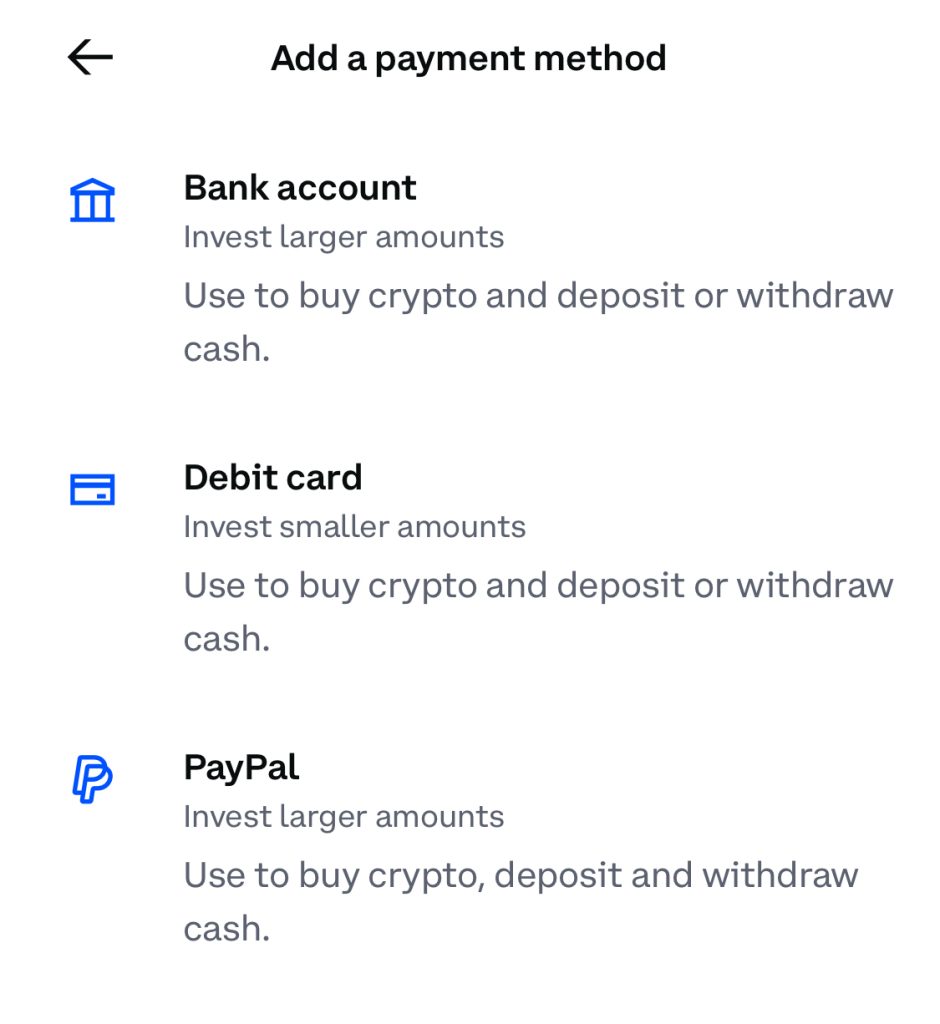
Tap on the payment method section. If your card isn’t linked yet, select “Add a payment method.” You’ll enter your card details just like you would for any online shopping site.
STEP 6: THE FINAL PART
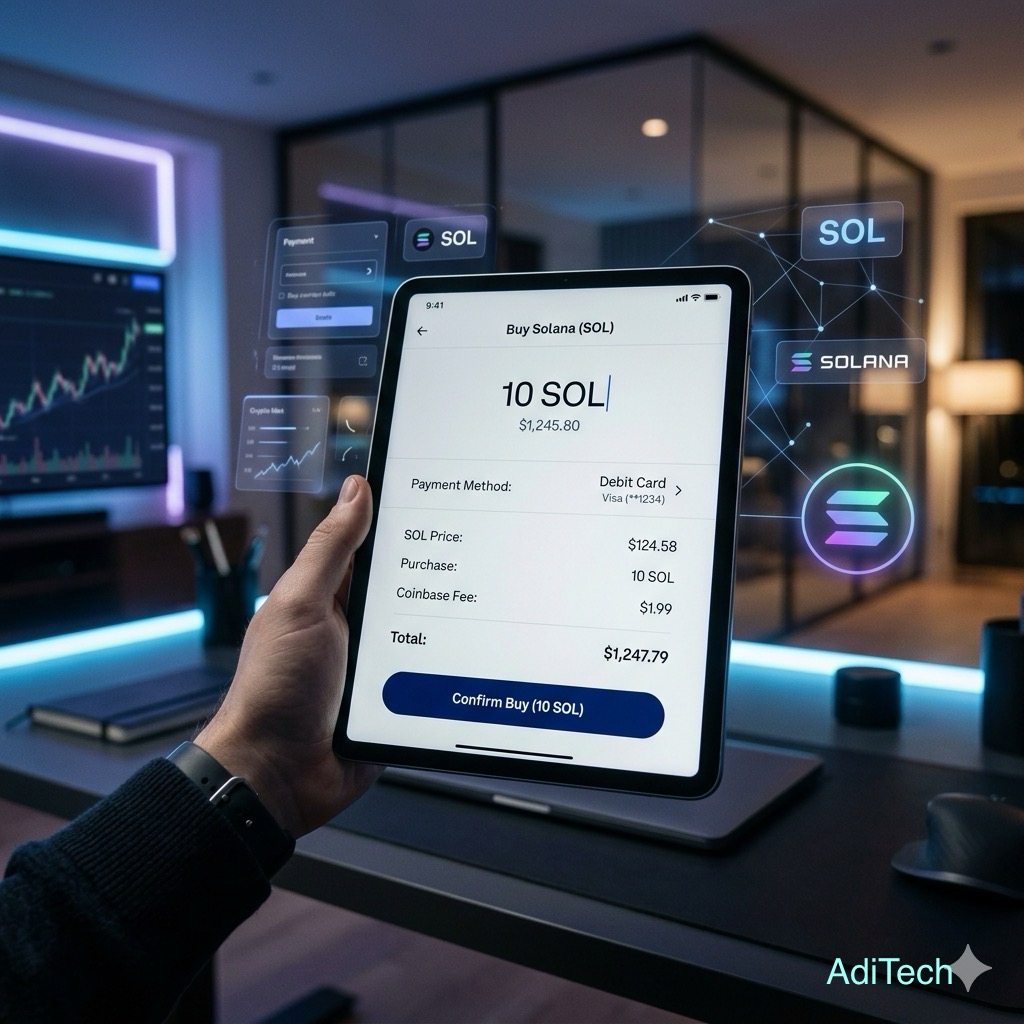
Before you confirm, Coinbase will show you a summary. It lists the total cost, the small fee they charge for processing the transaction, and exactly how much Solana is heading to your wallet. Take a breath and confirm the numbers. If everything checks out for you then proceed to.
STEP 7: CONFIRM
Tap “Buy.” Your bank might send you a quick one time text code to verify the purchase. Once you enter that, the process becomes finished.
Moving Forward
Your Solana should appear in your “Assets” tab almost immediately. The process is simple and straightforward if you know what you’re doing with your fingers.
One thing to note is, you don’t need to be an expert today. You just need to follow the process and get it done.
For creators and business owners, this is how growth usually happens. You take one small, clear step, understand it, and then move forward. Buying with a card is the simplest entry point to cryptocurrency trading. It’s direct, quick, and removes the stress or noise.
Keeping Your Assets Secure
As you start your trading journey, there are a few simple habits that will keep your money safe and you out to know them.
Checking the source of every platform you use is essential. Only download the Coinbase app from the official Apple App Store or Google Play Store.
If you are on a computer, always double-check that the web address is coinbase.com before entering your details.
There’s The “Two-Key” Rule
Always turn on Two-Factor Authentication. This means that even if someone finds your password, they still won’t be able to get into your account without a code sent to your phone. And if they do, they won’t be able to send out any of your crypto without the two factor code.
Binance made it compulsory to be active on every user accounts. Users have verified it as the single best way to protect funds.
Watch Out For “Helpful” Strangers
Real customer support teams from Coinbase will never ask for your password or for you to send them crypto to “verify” your account.
If someone reaches out to you in a DM offering to help you “fix” a transaction, ignore them.
To conclude this guide, take note, to always stay calm in a situation where you don’t understand so much. Take your time to observe before moving on.
If you’re just starting out on the crypto market it’s always best to learn with an amount of money that doesn’t keep you awake at night. Cause it takes time to grow your confidence, and so does your knowledge.