So far, google claims Chrome is the dominant web browser globally and across Nigeria. While some part of this is true and millions of Nigerian Gen Z users utilize Chrome daily for basic downloads and web searches, many are unaware of its benefits, some of its existence.
For Nigerian tech explorers, bloggers, and developers, Chrome is far more than a tool for surfing the internet. It is a critical development environment. Understanding how to leverage its ecosystem can drastically improve any website’s user experience (UX) and performance.
Why Chrome Matters
Chrome consistently holds the largest browser market share in Nigeria due to its inclusion in the android operating system. If you are building a blog or a web application, optimizing your platform for Chrome is mandatory to reduce bounce rates and retain your target audience.
1. Advanced Web Optimization with Chrome DevTools
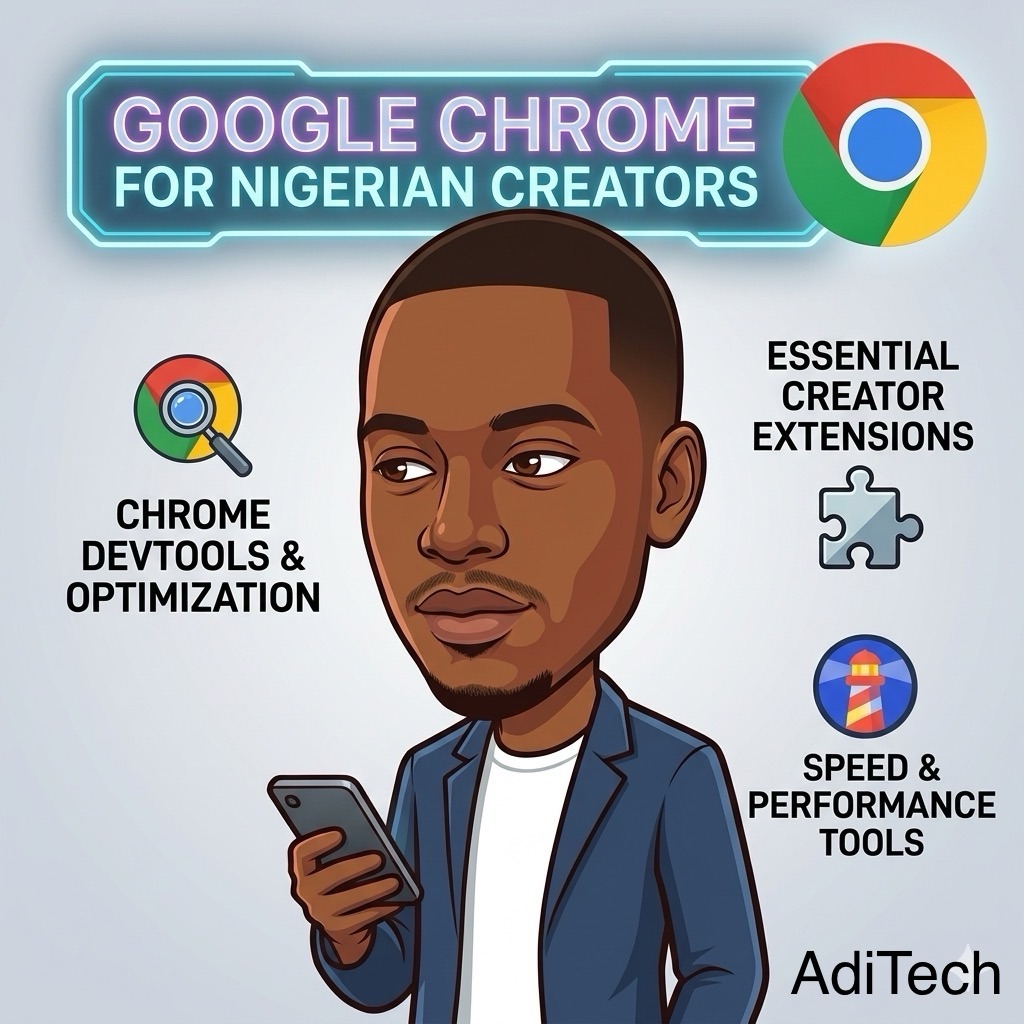
For developers building new websites or maintaining web applications the Chrome Developer Tool (DevTools) built directly into the browser allow you to inspect, check for errors or bugs, and optimize the web application or site being built.
- Error Tracking: Use the Console tab to instantly identify broken links or Javascript errors on your blog.
- Speed Inspection: Use the Lighthouse integration to test how fast your website loads on a standard 3G/4G Nigerian mobile network.
2. Essential Chrome Extensions for Bloggers
Instead of just browsing the web, you can turn Chrome into a productivity powerhouse using the Chrome Web Store. For beginners in Nigeria, these three free extensions are crucial:
- Grammarly: Automatically checks your blog posts for spelling and grammatical errors before you publish.
- Keywords Everywhere: Helps you find trending search keywords in Nigeria directly from your Google search page.
- Buffer or Hootsuite: Allows you to schedule social media posts directly from the article you are reading.
3. Cross-Device Compatibility Testing
Internet users in Nigeria access the web via a massive variety of cheap smartphones, tablets, and laptops. Chrome makes compatibility testing easy. Using the device toolbar in DevTools, you can simulate how your blog looks on an iPhone, a budget Android device, or a desktop screen to ensure your layout never breaks.
4. Security and Privacy
Chrome provides built-in protection against phishing scams and malicious malware downloads. For Nigerian site owners, Chrome enforces HTTPS protocols, warning users if your blog lacks an SSL certificate, which protects user privacy and builds trust.
How to Download Google Chrome for Free
If you do not have the browser installed, you can download the official, secure version for free.
- For Desktop (Windows/Mac): Visit the official Google Chrome Download Page.
- For Mobile (Android/iOS): Search for “Google Chrome” in the Google Play Store or Apple App Store.