
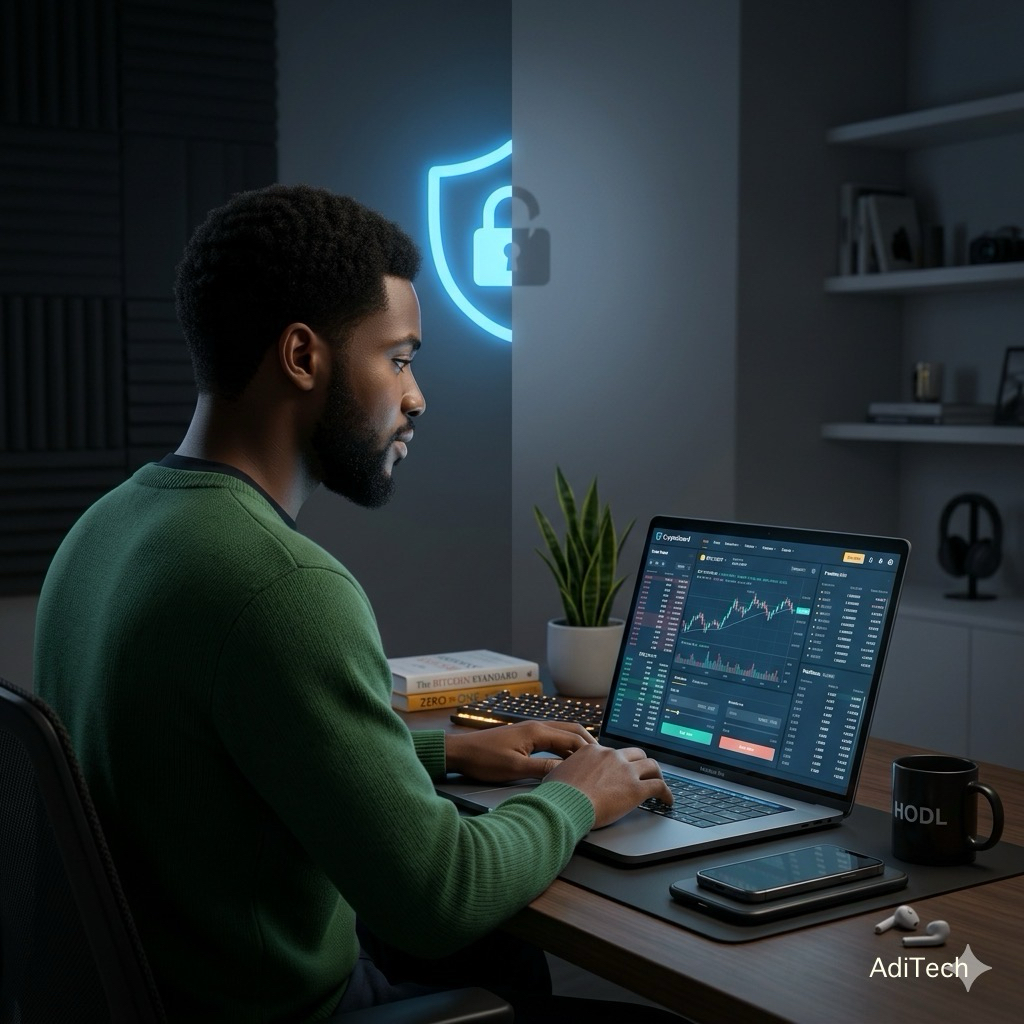
A lot of hodlers think crypto security just depend on which platform you use. But that’s a mistake, everything about security also depends on the choices you make.
If you use Bybit for trading or hodling tokens, this guide will show you something important. You’ll see what happens when your account isn’t fully secure and how to fix it properly.
This isn’t just theory. You can actually test it yourself.
The Quiet Problem Most People Don’t Notice
Most people don’t intentionally make their accounts unsafe. It happens little by little. You turn off a setting because it slows you down or you skip a step because you’re in a hurry.
Sometimes you activate use of SMS instead of something better because it feels easier. Get a code and get logged in.
Truly nothing will break. Everything will work just fine. But that’s where the problem lies.
Your account may look normal on the surface, but it can be easier to access underneath.
Crypto is different from a bank. If something goes wrong, there’s usually no way to undo it.
That’s why this test is important.
We Are Going To Do Two Things
First, make your account less secure and see what changes.
Then, make it more secure again using stronger protection.
This helps you understand the difference, not just read about it.
Before You Start
Keep this in mind: Don’t keep large amounts of money in your account during the test. The test is for educational purposes and learning is a priority in the digital world.
1 Do the test quickly.
2 Return your security settings right away.
3 Always Use a trusted device.
Part 1: Testing a Weaker Setup
Step 1: Log In to Bybit.
Click the Log In button.
Enter your email and password.
Step 2: Open Security Settings
Click your profile icon (top right).
Click “Account & Security”.
This is where all your security settings are managed.
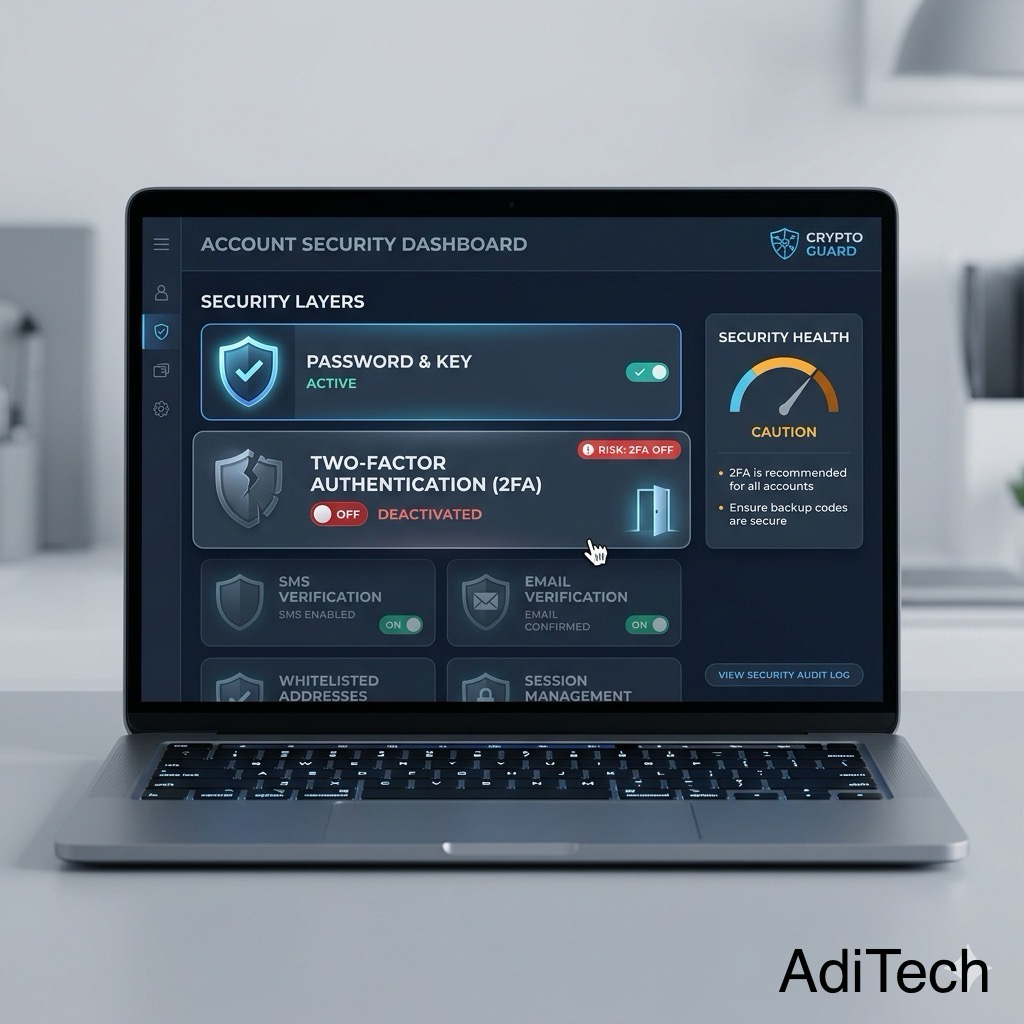
Step 3: Disable Google 2FA
This is the main part of the test.
Find “Google 2FA”.
Click “Disable”.
You’ll be asked to confirm:
Email or SMS code
Current 2FA code from the app (if it’s enabled)
After that, your account loses one of its strongest protections.
Step 4: Keep Only Basic Verification
Now your account may only be protected by:
SMS or email verification.
That’s a weaker setup.
Step 5: Notice the Difference
Now try doing normal things:
Log out and log back in.
Open your account settings.
Try starting a withdrawal (don’t finish it).
What you’ll notice:
Everything still works.
No warning comes up.
Fewer steps are needed. That’s the main point.
The account isn’t broken.
It’s just easier to access.
What This Test Shows in Real Life
This is how most problems come about. Not through complicated hacking. But through small, unnoticed gaps.
Learn How to Keep Your Coinbase Account Secure: Another Lessons From a 2FA Test
In this situation, If someone gets hold of:
Your email,
Phone number,
Password.
Your account becomes easier to access.
That’s a hidden risk.
Part 2: Securing Your Account Properly
Now, let’s fix it the right way.
Step 1: Enable Google Authenticator
Go back to “Account & Security”.
Find Google 2FA.
Click “Enable”.
You’ll need:
Google Authenticator
Scan the QR code
Enter the 6-digit code from the app.
This adds a second layer of protection that only you control.
Step 2: Add an Anti-Phishing Code
Stay in Security Settings.
Find “Anti-Phishing Code”.
Click Set.
Enter something simple like:
AdiSecure- MyCode123
Now, all real emails from Bybit will include this code, helping you spot fake messages.
Step 3: Protect Your Withdrawals
Go to Assets.
Click Withdraw
Find Address Book / Whitelist. Then:
Enable the Withdrawal Whitelist
Add only trusted wallets.
This ensures funds can only go to known addresses.
Step 4: Review Your Devices
Go to Account & Security.
Find Device Management.
Check Carefully: Remove any device you don’t recognize.
Keep only your trusted devices.
Step 5: Make Sure All Layers Are Active
Your setup should include:
Email verification
SMS (as a backup, not your main protection)
Google Authenticator (your main layer)
Here’s What A Strong Setup Looks Like
Everything properly set up, login requires password and a code.
Withdrawals controlled.
Email verified.
Devices limited.
Nothing is left open. The Difference You Just Experienced
Weaker Setup
Easier to access
Fewer steps
Faster to get in
Higher risk

Stronger Setup
Slightly slower,
More checks,
Controlled access,
Better protection.
To Conclude, I Have To Say What You Just Did Was Not Simple
Still, it was important. You saw the difference. Truth is, most people never try this out. They think everything is okay because nothing has gone wrong yet. Some people configure these settings based on their needs and capital input. Some do not know. So this is for those who do not know.
Always remember, in crypto, safety isn’t about waiting for problems. Preventing them requires running these tests and settings to see the difference. Take a few minutes today. Check your setup. Strengthen it where needed.
Cause I discovered in the end, security isn’t just a feature. It’s what stands between an account owner and a loss. This article is here to help empower Africa’s digital generation. Go through it one step at a time. Hit up the Editor on socials for any questions or feedbacks.