
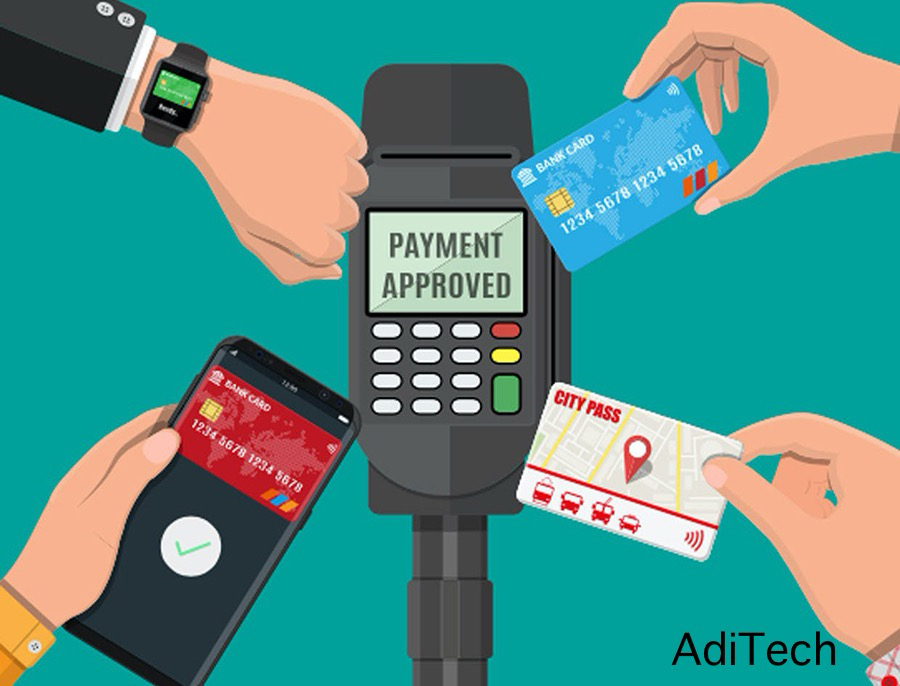
With cash slowly disappearing and phones becoming wallets. People are slowly adapting to making payment with their phones or other devices. For a lot of us it’s all about convenience and safety.
This is where Google Pay comes in.
I recently requested to add Google Pay to the Silver Eagle Jewelry website and store in Donna, Texas, after seeing many other stores adopt it. It makes payments faster and easier for customers both online and in-store. I decided to write this article to explain in simple words.
How Google Pay works
Google Pay is a digital wallet made by Google. It lets you pay for things using your phone, computer or even some smartwatches without pulling out cash or a card. Think of it like a wallet on your phone.
What You Can Do With Google Pay
1 – Store your debit and credit cards digitally.
2 – Pay online or in stores that accept Google Pay.
3 – Send and receive money from friends and family.
4 – Keep your card details secure while making a payment.
How to Use Google Pay
Install Google Pay or sign in online. Add your bank card(s).
When paying: Tap your phone at a store that accepts Google Pay, or Click “Pay with Google Pay” when shopping online.
The money comes directly from your bank, just like using your card.
Using Multiple Cards
You can add many cards, but Google Pay won’t choose for you.
You set one as your default and get the choice to switch anytime before paying.
It’s like carrying several cards, in this case all stored safely in one app.
Where Does the Money Come From?
Google Pay doesn’t hold your money.
It simply connects your card or bank account to the person or business you’re paying.
How the Receiver Gets the Money
You select their phone number or email. Choose which card or account to send from. The money goes straight into their bank or Google Pay balance.
If they don’t have Google Pay yet, they’ll get a link to set it up.
For businesses, they just need to accept card or contactless payments they don’t need Google Pay themselves.
Is Google Pay Safe?
From what i’ve seen on some of the other stores, Google Pay is safe, and does not share your card number.
It uses a virtual number (token), so your actual card details stay private.
How to Set Up Google Pay
Visit the official google pay website, at pay.google.com. Download the app or use the web version on pc. Sign in with your Google account. Add your debit or credit card. Turn on NFC (Near field connection) if you want to pay in a physical store.
That’s it, you’re up and ready to pay, send and receive money from google pay users.
Google Pay is your wallet, made digital. It lets you pay faster without stress whether online, in-store or to friends.
Truly if you run a business, adding Google Pay could increase your sales today. At AdiTech, it’s our job to keep you informed.