Crypto security is only as strong as the measures you choose to implement. So i recently ran a test on Coinbase’s account security settings. This was to see how strong the 2fA on coinbase can hold. Leaving only SMS verification active.
The Experiment Was Disabling Coinbase 2FA Methods
What i discovered is a critical lesson for every crypto user. To understand the real impact of two-factor authentication(2FA) choices. I conducted the hands on test on the Coinbase app.
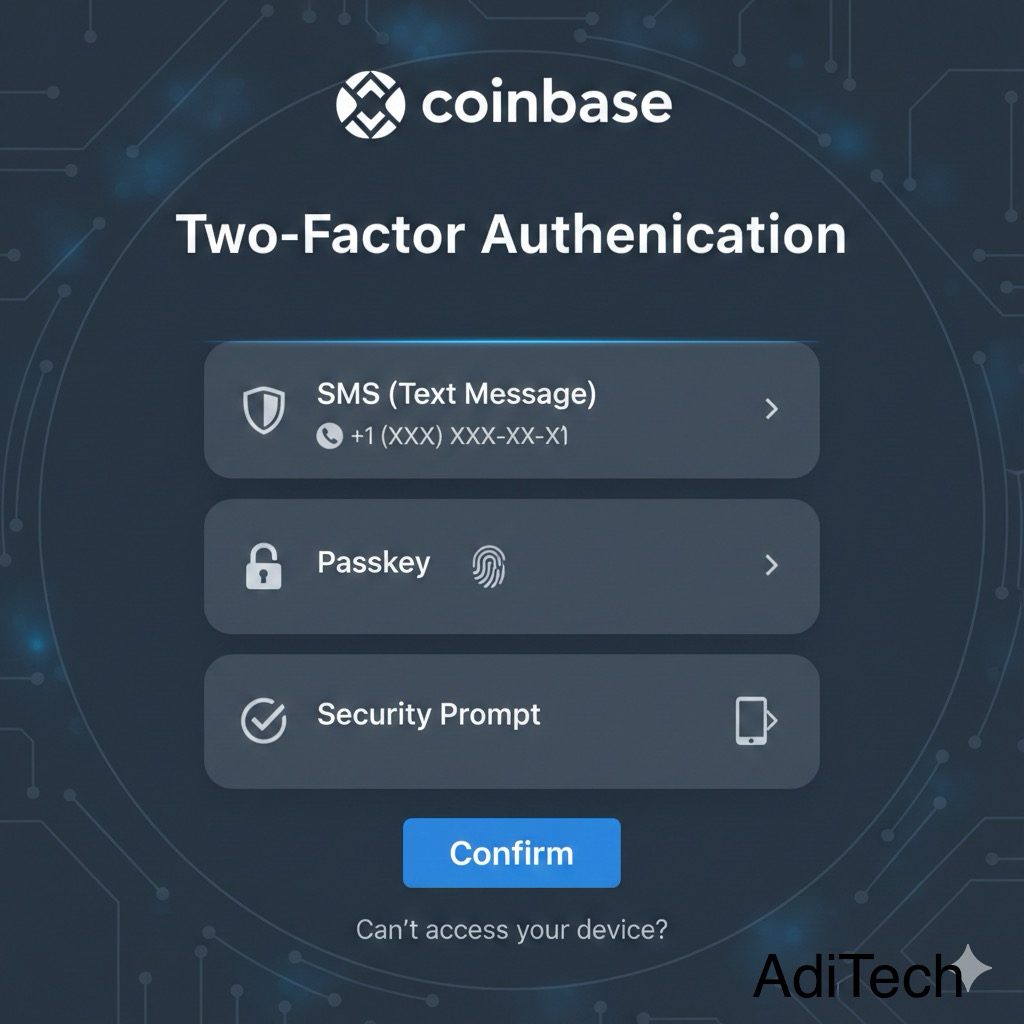
Here’s What I did in the Coinbase App
–I first removed the passkey, and Coinbase confirmed the action within minutes. Shortly after, I received a notification stating, “Passkey was successfully removed.”
–There was another security option enabled the Security Prompt. This feature is considered more secure, but it was also disabled. After turning it off, I received a notification that read, “Your security prompt was successfully disabled.”
–This left only SMS verification active, which Coinbase categorizes as a less secure method. As a result, the account became significantly more vulnerable to potential attacks.
Why This Matters
Many users rely solely on SMS-based two-factor authentication. This is because it is convenient, but SMS is vulnerable to certain errors. Including sim spoofing and sms interception
Coinbase itself warns users: “Text message (SMS) LESS SECURE”
Disabling stronger methods leaves your wallet exposed. Especially on platforms managing crypto assets.
How to Protect Your Coinbase Account
Based on this experiment, here’s what AdiTech recommends:
- Use Multiple 2FA Methods
Enable both a security prompt and an authenticator app (such as Google Authenticator or Authy).
- Review Your Settings Regularly
Coinbase makes it easy to toggle security methods on and off, but never be casual about it. Treat your crypto like a bank vault.
- Consider using a hardware wallet like Ledger or enabling biometric authentication for added security
Physical 2FA options like biometric prompts are far more secure than codes sent via SMS.
- Consider a Privacy Screen Protector for your Laptop & Phone.
This is a simple privacy accessory. It is effective at helping to protect sensitive information like 2FA codes or account data from shoulder surfers. Do this to address your personal and business privacy when accessing your Coinbase account in public places.
This simple test showed that even with strong platform security, the final layer of protection is your own behavior. Don’t leave your crypto wallet vulnerable. Implement multiple 2FA methods, consider hardware keys, and review your security settings regularly.
For stronger protection, you can store your crypto assets in a hardware wallet. Ledger is an example that keeps your private keys offline and away from hackers.
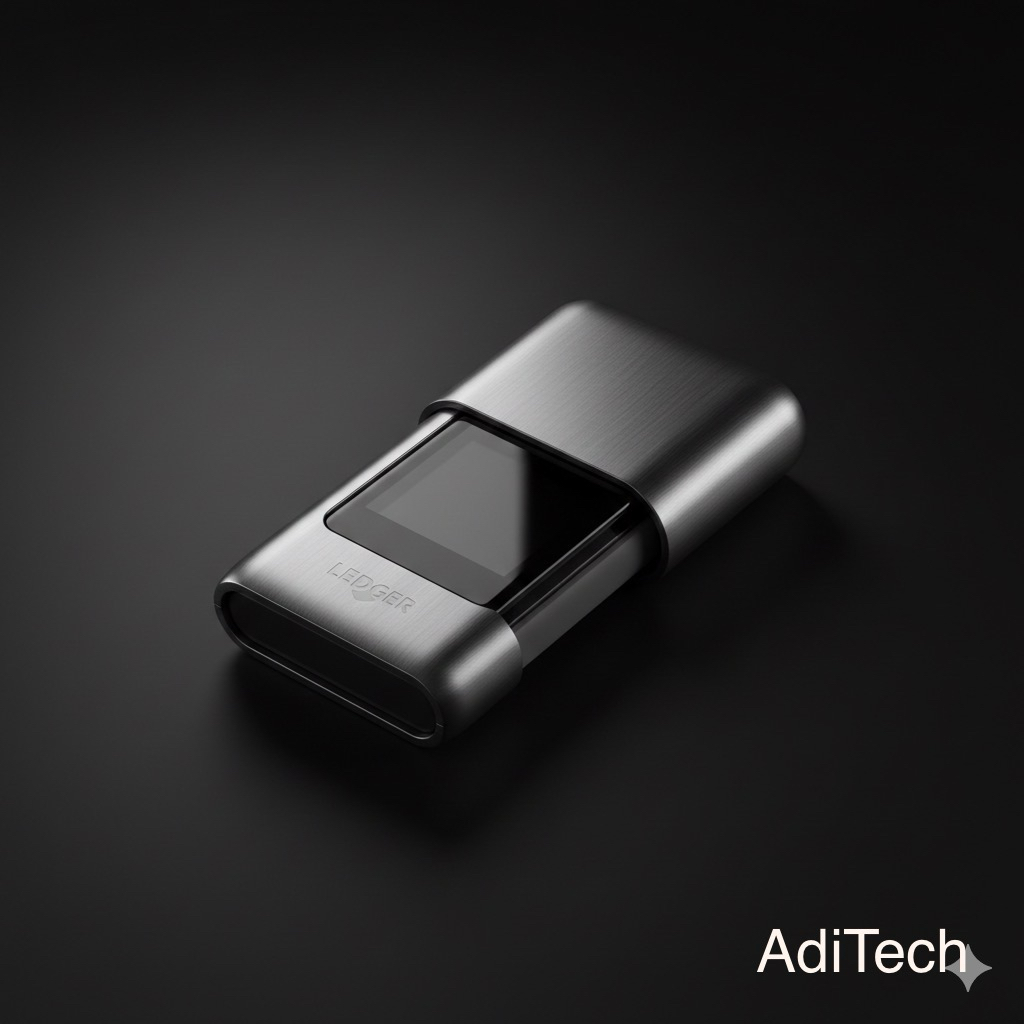
Ledger Nano Gen5
A hardware wallet that stores your private keys offline, protecting your crypto even if your exchange account is compromised.
• Offline cold storage
• Bluetooth support (mobile friendly)
• Supports over 2,000 + coins and tokens
• Ideal for long-term holders
If you don’t yet have a secure crypto exchange account, you can get started with Coinbase. Once registered, enable two-factor authentication (2FA) immediately. Security should never be optional when money is involved.
As an affiliate, AdiTech earns a small commission if you use our link, at no extra cost to you. We only recommend platforms and tools that strengthen your digital security and long-term independence.
Take action today. Protect your assets before you grow them.
And if you’re building serious digital income online, security is just the foundation. We also recommend reading “4 Creator Tools Needed For Quality Productivity in 2026”. It is a carefully curated guide. It covers essential tools for protection, workflow efficiency, and content growth.
Strengthen your systems. Build with intention. Grow with structure. Brought to you by AdiTech. Empowering Africa’s digital generation, one insight at a time.