

By default, cPanel sets the maximum file upload size to 2MB. This can be increased to a value you find more useful for your websites.
Simple Procedure To Follow
- 1. Log in to cPanel
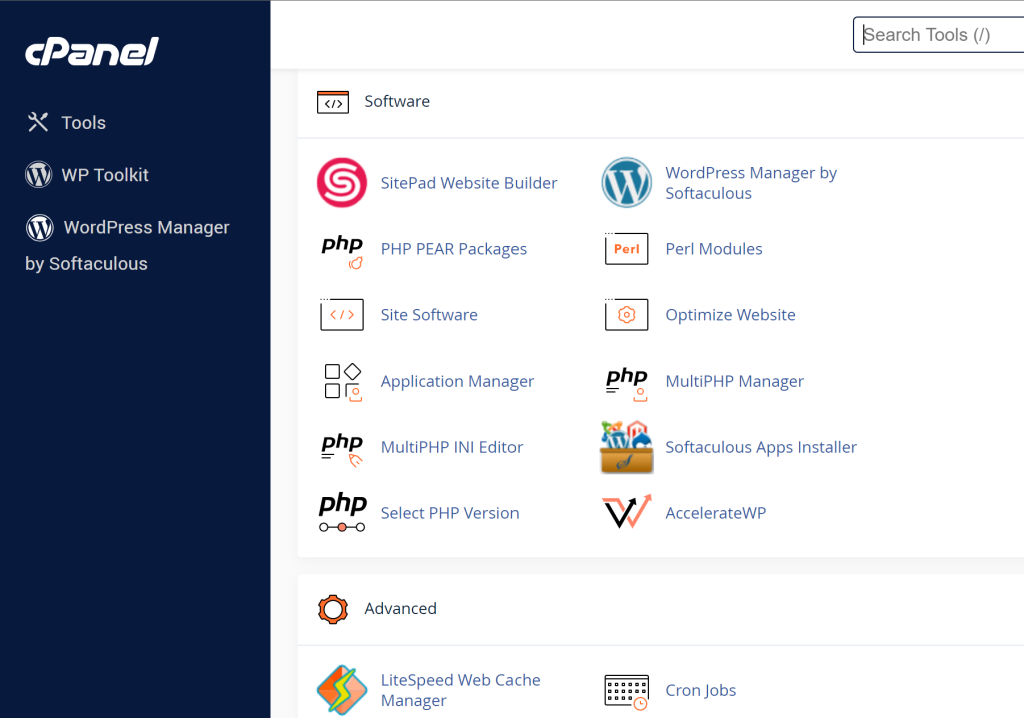
- Navigate to “MultiPHP INI Editor”
- Select the domain you wish to modify
- Increase the following variables:
- A. upload max filesize
- B. post max size (This should be larger than or equal to upload max file size)
- C. memory limit (This should be larger than or equal to post max size)
- D. max execution time (Optional, but can prevent timeout errors for large files)
- Click “Apply”
Please note, the maximum size for these variables is 2GB. If you need to upload larger files, it is recommended to do this via FTP, or by other means.